
Boost Your Internet Speed
Distance from the Router:
Issue: If you’re far from the router, the Wi-Fi signal weakens, resulting in slower speeds.
Solution: Move closer to the router or consider using a Wi-Fi range extender to boost the signal.
Obstacles and Interference:
Issue: Walls, furniture, and electronic devices can block or interfere with the Wi-Fi signal.
Solution: Position the router in a central location, away from obstructions. Avoid placing it near other electronics that emit signals.
Too Many Connected Devices:
Issue: When numerous devices share the same Wi-Fi network, each may experience reduced speeds.
Solution: Disconnect devices not in use, consider upgrading to a higher-capacity router, or set up a separate network for smart devices.
Outdated Router or Modem:
Issue: Older equipment may struggle to support faster internet speeds.
Solution: Consider upgrading to a newer router or modem that can handle higher speeds.
Interference from Other Wi-Fi Networks:
Issue: Multiple nearby Wi-Fi networks can cause interference and reduce your signal strength.
Solution: Change your Wi-Fi channel through the router settings to find a less congested frequency.
Peak Usage Times:
Issue: During busy hours, network congestion can lead to slower speeds.
Solution: Consider using the internet during off-peak hours or contact your ISP for an upgraded plan.
Software or Malware Issues:
Issue: Viruses or background processes on your devices may consume bandwidth.
Solution: Install and regularly update antivirus software, and run regular malware scans.
ISP Service or Network Problems:
Issue: Sometimes, the issue lies with your internet service provider’s network or equipment.
Solution: Contact your ISP for troubleshooting assistance or to report any service disruptions.
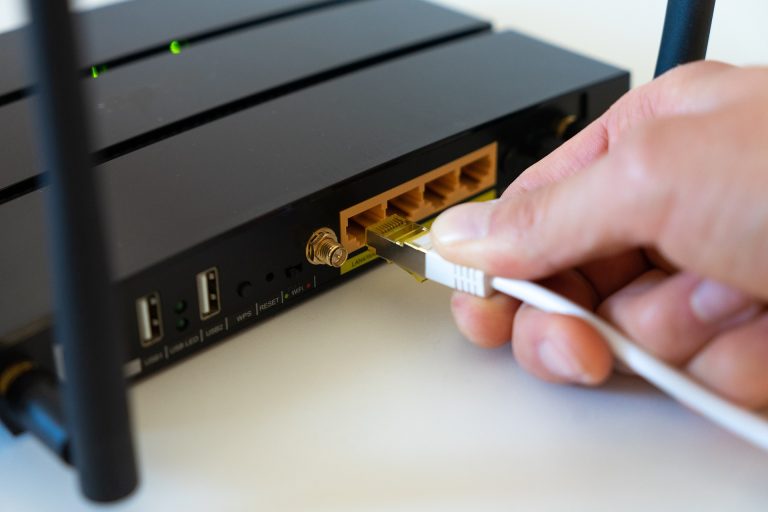
Wiring or Connection Problems:
Issue: Damaged or outdated cables and connections can affect your internet speed.
Solution: Ensure all cables are securely connected and consider having a technician inspect and replace any damaged equipment.
Limited Data Plan:
Issue: If you have a data cap on your internet plan, exceeding it can result in reduced speeds.
Solution: Monitor your data usage and consider upgrading to an unlimited plan if needed.
By addressing these common issues, you can potentially improve your internet speed and enjoy a smoother online experience. If problems persist, don’t hesitate to contact your internet service provider for further assistance.