
Service Availability Check
Discover if Our Solutions Suit Your Needs
Getting fibre in your home involves a few simple steps. Here’s an easy-to-follow guide:
Check Availability:
First, find out if fibre-optic internet is available in your area. You can do this by contacting local internet service providers (ISPs) or checking their websites. They will let you know if fibre-optic service is offered in your neighbourhood.
Select a Fiber Internet Provider:
Choose a fibre-optic internet service provider (ISP) that operates in your area. Popular ISPs like AT&T, Verizon, Google Fiber, and local providers often offer fibre-optic services.
Contact the Chosen ISP:
Get in touch with the chosen ISP through their website, phone, or in person. You can find their contact information on their website or in online directories.
Schedule Installation:
Arrange a time for the installation technician to come to your home. They will set up the necessary equipment and connect your home to the fibre-optic network.
Prepare for Installation:
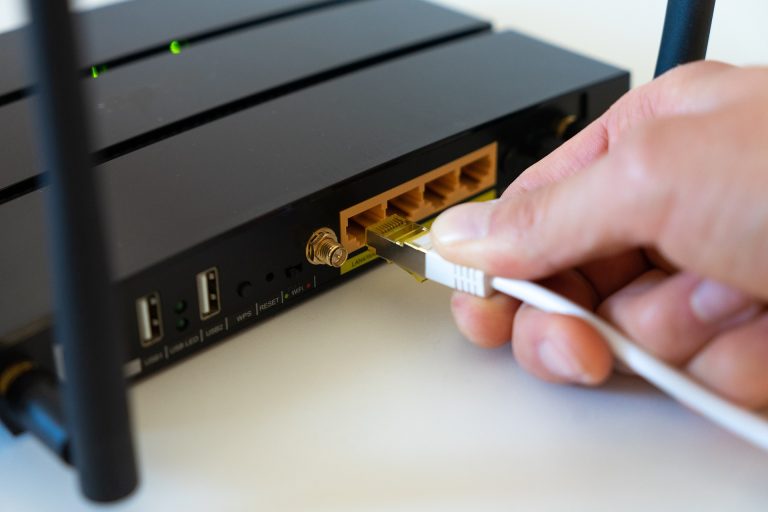
Ensure someone is at home during the scheduled installation time. The technician will need access to your home and may need to install equipment like a modem or router.
Installation Process:
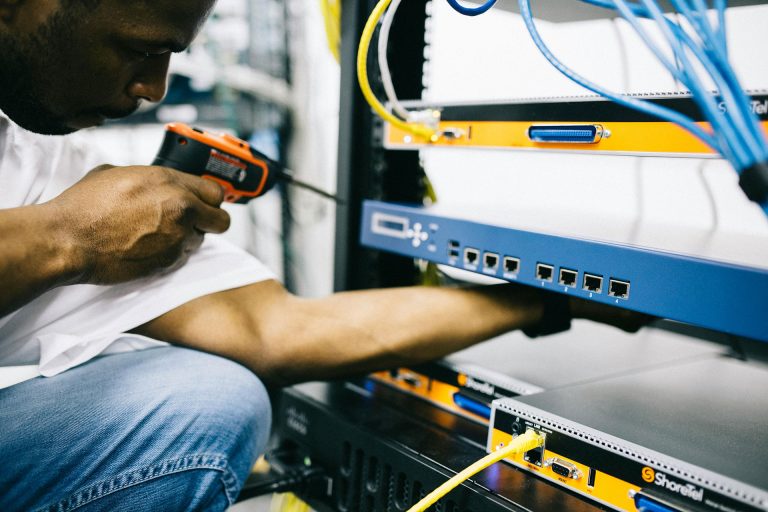
The technician will install the fibre-optic cable that connects your home to the network. They may also set up any additional equipment needed for your internet connection.
Test Your Connection:
Once the installation is complete, the technician will test the connection to make sure everything is working properly.
Enjoy High-Speed Internet:
Congratulations! You now have fibre-optic internet in your home. You can start using it right away for fast and reliable internet browsing, streaming, gaming, and more.
Remember, if you have any questions or encounter any issues during the process, don’t hesitate to reach out to your chosen ISP’s customer service for assistance. They’re there to help you make the most of your new fibre-optic connection!